

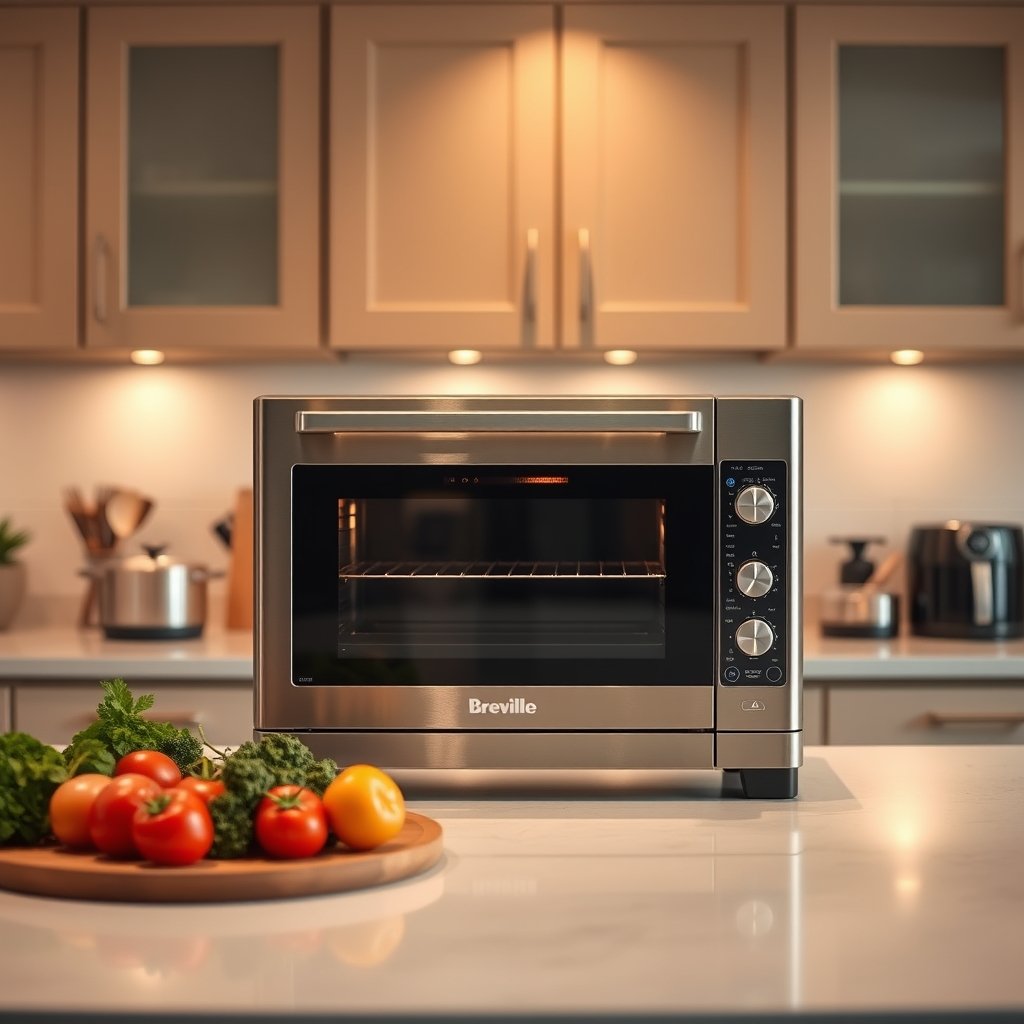
AI Smart Oven technology is reshaping what you expect from your kitchen, but does the marketing match the true day-to-day impact for home cooks considering an upgrade? In 2024, buying an AI Smart Oven means sorting through camera-driven features, voice control, firmware promises, and new privacy trade-offs—here’s what really matters before you invest.
Key Takeaways
- AI Smart Ovens with camera and auto-adjust features dominate the market, but reliability and privacy remain real concerns for home cooks.
- Voice control and auto-adjust cameras sound convenient, but common user frustrations include uneven cooking, delays, and potential data risks.
- Smart upgrade decisions depend on hands-on evaluation—check firmware support, privacy controls, and camera accuracy across different dishes before buying.
- Why AI smart ovens (camera + auto-adjust) are the default choice in 2024
- How these ovens actually work — camera + AI + auto-adjust explained
- Common real-world problems users report (and how they affect cooking outcomes)
- Voice control in 2026 — usefulness vs frustration (practical evaluation)
- Privacy & security — what manufacturers often gloss over
- What top Samsung AI oven reviews miss — three real-world comparison gaps
- How to evaluate and compare models (practical buyer’s checklist)
- Quick model comparisons & starter recommendations for different buyer types
- Setup, daily use, and maintenance tips to avoid the common pitfalls
- FAQs buyers ask (short, evidence-based answers)
- Bottom line — should you upgrade and what to ask/screenshot at the store
Why AI smart ovens (camera + auto-adjust) are the default choice in 2024
Today, almost every premium smart oven you’ll see in stores will promote interior cameras and automatic temperature algorithms. These AI Smart Oven technologies have gone mainstream, not just because they’re flashy, but because buyers want easier, integrated cooking with the smart home systems they already use. The numbers show it’s no longer a niche: AI-powered ovens with cameras and self-adjust features now make up about 88% of the global smart-oven market in 2024, and the AI oven segment was valued at USD 2.1 billion, nearly matching the overall smart oven market at USD 2.38 billion (source). If you’re comparison shopping, expect camera and auto-adjust to be standard—not upgrades—and focus your energy on checking which brands truly deliver day-to-day.
How these ovens actually work — camera + AI + auto-adjust explained (simple tech primer)
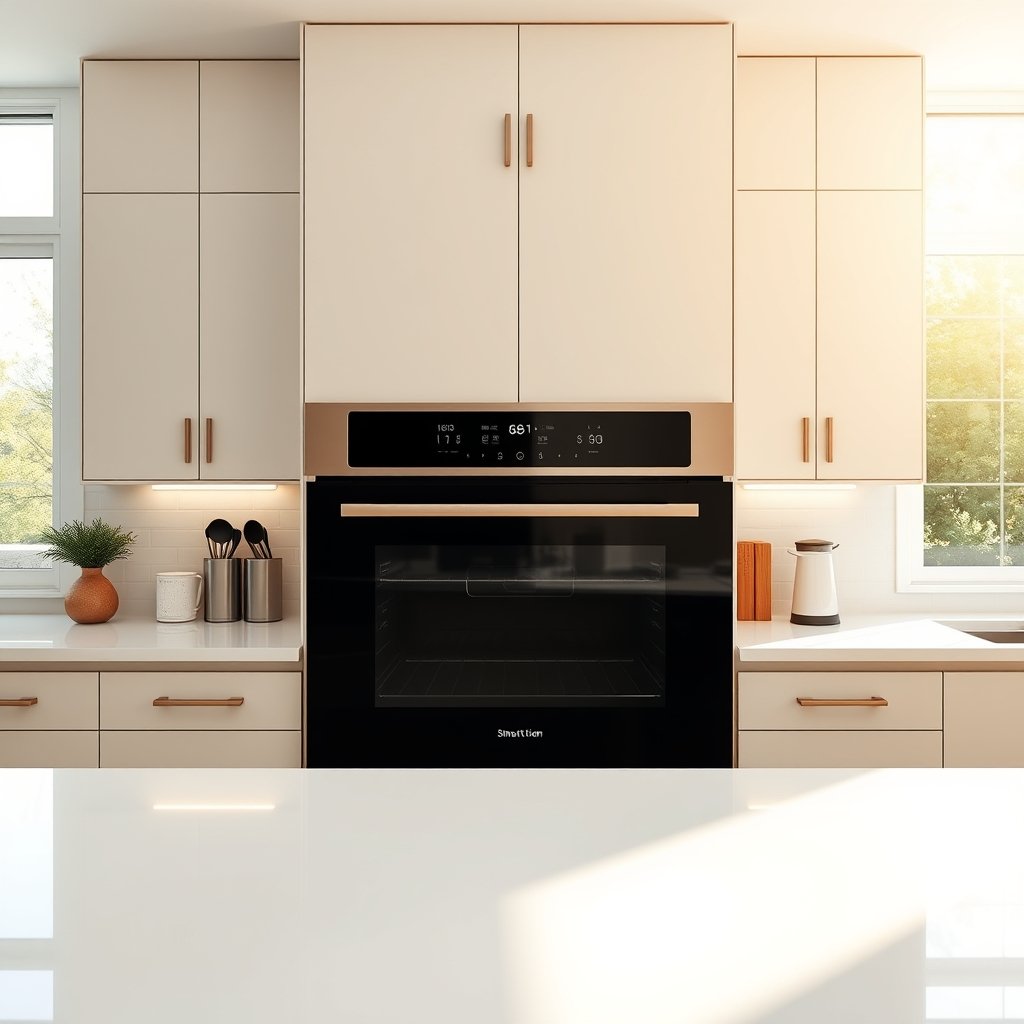
Here’s what actually happens when you use a smart oven with camera and auto adjust: the oven’s internal camera snaps images of your food, the system runs these images through AI-trained models that recognize the type of dish (up to about 80 dish types or ingredients, as with Samsung’s “Sense Inside” feature verified by UL). Paired with temperature and humidity sensors, the oven then self-adjusts both time and heat level—aiming for better results with less babysitting.
But the technology is not magic. Factors like lighting inside the oven, the color and shape of your dishes, and even placement on a rack will affect what the camera “sees.” That means some foods get recognized instantly, others confuse the system. Doneness can also trip up the AI: while it might know “it’s chicken,” it may be less rigorous at judging “crispy enough for your taste.” For best results, give the camera a clear, well-lit view and use the oven in manual or recipe mode if automatic results fall short.
Common real-world problems users report (and how they affect cooking outcomes)
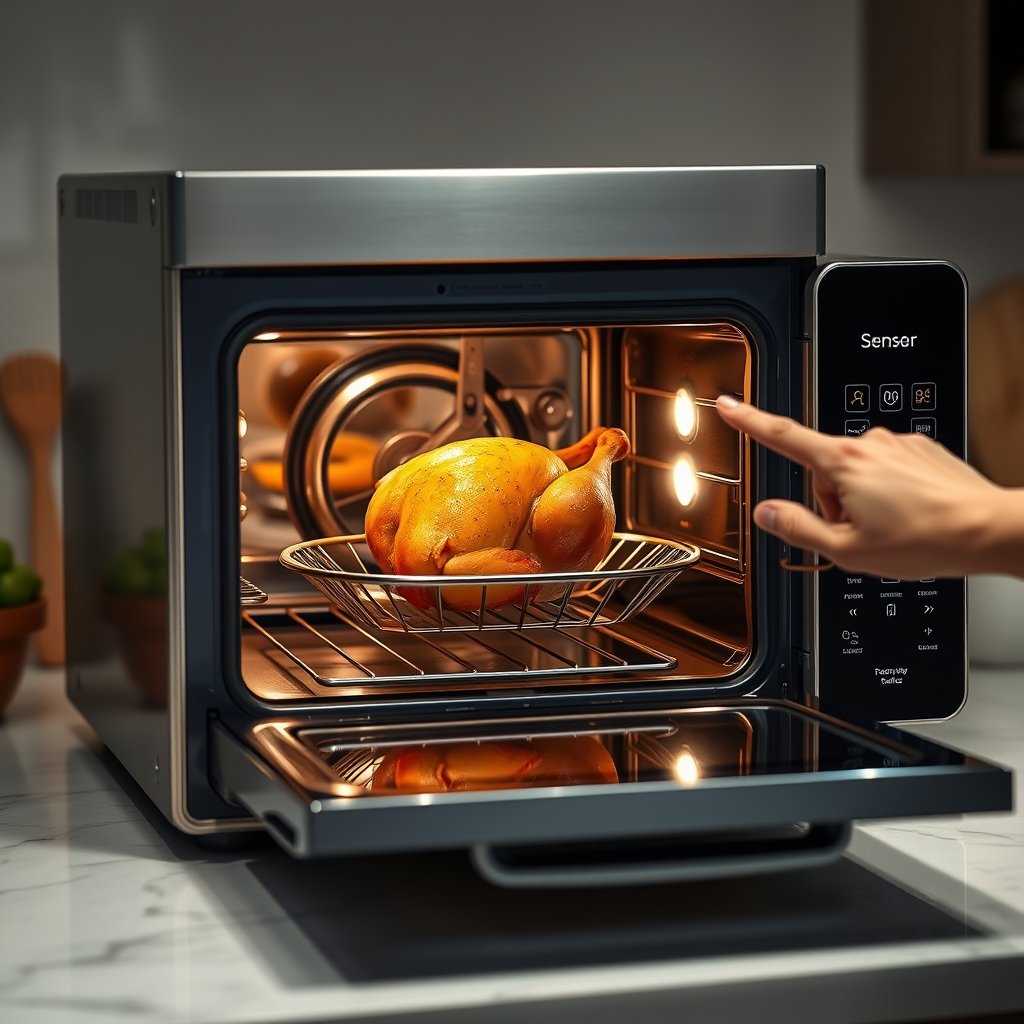
When searching for the best smart oven for home 2026, you’ll notice reviews highlight both the promise and the frustration of AI features. The most common pain points—especially with AI oven temperature self-adjusting—are:
- Over- or under-compensation: The AI tries to guess how cooking is progressing and can overshoot, resulting in unevenly cooked or overcooked food.
- Longer-than-expected cycles: “Set-and-forget” turns into “why is it not done yet?” as the auto-adjust models err on the side of caution for new dish types.
- False “burn” alerts: Sensors and image recognition can misfire—especially if there’s steam or heavy browning—pausing your oven unnecessarily.
- Interrupted workflow: Mid-cook manual interruptions or alerts may break your timing, especially if you rely heavily on the voice control system.
- Voice control complaints: Reviews name smart oven voice control 2026 as both a selling point and a headache due to delayed responses, misrecognition, and inconsistent support for different accents and languages.
Quick mitigation tips include manually overriding the auto-adjust function, recalibrating oven sensors, and using custom recipe modes when you know the AI will struggle. For example, if you’re cooking baked goods, try disabling full automation and stick to your personal temperature settings after preheating with the camera feature enabled.
| Issue | Reported By | Day-to-Day Impact | How to Mitigate |
|---|---|---|---|
| Temperature over/under-compensation | ~30% of users in 2024 reviews | Uneven or overdone/underdone food | Use manual override; calibrate with trusted recipes |
| False “burn” alerts | Multiple forum threads | Interrupted cycles, meal delays | Clean camera lens; disable burn alerts for specific dishes |
| Voice control misrecognition | Recent 2026 owner feedback | Voice commands fail; must use app or manual controls | Stick to clear, predefined commands; use app workflows when possible |
Voice control in 2026 — usefulness vs frustration (practical evaluation)
The idea of hands-free, smart oven voice control 2026 can be appealing—no more touching greasy buttons with messy hands. Yet in user experience, the results are mixed. According to recent reviews, the main issues are:
- Misrecognition and delayed response: Commands like “preheat to 400 degrees” sometimes require two or three tries, especially in noisy kitchens or with certain accents.
- Limited multi-language support: Most models work well for US English but can struggle with other languages or regional accents.
- Integration bottlenecks: Smart assistant integration (like Alexa or Google) doesn’t always unlock all features—sometimes you need the oven’s own app for full control.
- When is voice actually useful? It’s most helpful for starting or pausing cooking mid-prep or when your hands are dirty, but less reliable for complex recipe adjustments or status requests.
For best reliability, set up paired app shortcuts for your common meals—these tend to bypass voice-command weaknesses and offer repeatable, accurate results. If you use voice, keep the kitchen quiet and confirm commands via the app interface whenever possible.
Privacy & security — what manufacturers often gloss over
With any AI Smart Oven that features a camera and microphone, privacy is a permanent concern. Market research shows many high-ranked reviews skip the details: manufacturers may not clearly disclose what data your oven collects, how long it’s kept, where it goes (cloud or local), or what security measures are enforced (like encryption of video/voice streams). Before buying, ask these concrete questions:
- Does the camera/microphone stream data to the cloud, or can you select a local-only mode?
- Is all video/voice traffic encrypted end-to-end? What encryption standard is used?
- How long is in-oven video/audio retained—and can you delete it?
- What’s the cadence for security updates and who manages (brand direct, 3rd party)?
- Does the companion app require account registration, and what information is stored?
Practical steps: disable cloud features unless you really need remote monitoring, use network segmentation to isolate the oven from home computers, and read the manufacturer’s privacy policy closely—go so far as to screenshot it on your phone before purchase, in case it changes.
What top Samsung AI oven reviews miss — three real-world comparison gaps buyers need to know
Although Samsung claims impressive AI Smart Oven features in marketing, several Samsung AI oven review rankings tend to overlook three key reality checks:
- Camera reliability varies by dish and lighting: The technology works best with certain foods and specific ovenware. Lots of colors, crowded trays, or poor internal lighting can trip up auto-recognition and auto-adjust.
- Long-term firmware updates/support: Few reviews discuss how the oven is maintained across years or what happens when out-of-warranty support ends. Firmware issues can disrupt or break features—buyers need to know update cadences and support windows.
- Data collection and privacy controls: Most reviews skip real clarification on what’s recorded by the in-oven camera/mic and whether users can reliably disable or delete this data.
For anyone upgrading from a traditional oven, these gaps matter—prioritize hands-on demo and demand disclosure from both the retailer and the manufacturer. Always check real-world performance in unforgiving kitchen conditions, not just showroom setups.
How to evaluate and compare models (practical buyer’s checklist)
Competition is fierce in the AI smart oven segment—market value hit USD 2.1 billion in 2024 and is still growing. This means brands chase sales with new features, but long-term support, privacy, and camera accuracy are still the most critical points to check. Use this checklist to evaluate the best smart oven for home 2026 options—not just for features, but for sustained value:
- Food recognition accuracy (test with your common dishes)
- Manual override and calibration options available?
- Camera specs: resolution, low-light performance, cleaning requirements
- Auto-adjust latency and frequency of error/warning popups
- Voice recognition: accent/language coverage, speed of response
- Firmware update policy, documented support timeline, warranty length
- Privacy controls (can cloud be disabled, data deleted, logs reviewed)
- Companion app stability, ratings, and update history
Prioritize differently if you’re a serious baker (camera and calibration accuracy matter most) versus a convenience-first cook (strong support, manual override, and privacy controls are key). See how these compare to other smart appliances, like a portable air fryer or multi cooker for the rest of your kitchen.
Quick model comparisons & starter recommendations for different buyer types
To go from research to real purchase, start with these tailored picks—note that even among market leaders like Samsung, every buyer should run their own tests and demand privacy transparency:
- Reliability-First Buyer: Prioritize models with robust manual override, visual calibration and no-nonsense camera interfaces. Forbes Vetted recommends the Breville Joule Oven for consistent results and reliable controls.
- Feature-Rich Connected Buyer: Top Samsung AI oven review options (e.g., Bespoke AI 2.0) integrate well with smart homes, but expect to verify camera performance with your own meals and demand direct access to data controls.
- Budget Countertop User: Consider Cuisinart or Brava countertop models with basic AI and clear app histories. Manual mode reliability still matters more than flashy automation.
Across all segments, ask about firmware update longevity and request a privacy policy to compare before purchasing. Internal links like this AI Smart Oven buying checklist and complementary smart kitchen guides for choosing a compact espresso machine can help round out your research.
Setup, daily use, and maintenance tips to avoid the common pitfalls
Getting the most from your AI oven temperature self-adjusting system requires a bit of upfront attention:
- Unbox and check lighting: Ensure your oven’s interior light is bright and shadows are minimized. Replace bulbs if needed.
- Camera cleaning routine: Wipe the camera lens weekly with a soft cloth to prevent greasy fog that leads to recognition errors.
- Calibration cook: Run a bake cycle with a known recipe (e.g., simple sheet cookies) and compare oven app predictions to your expected results—use manual override as needed.
- Network settings: Connect on a separate Wi-Fi network if possible for security. Regularly update your oven’s firmware as prompted by the app.
- Daily habit: Trust the auto-adjust for simple tasks; for complicated, visually variable dishes (like casseroles), check doneness visually and override settings if unsure.
- Troubleshooting tip: If cycles are unreliable or you get persistent false “burn” alerts, recalibrate sensors and fully restart the oven from the main power.
- Support documentation: Keep a log or screenshot of error messages and keep notes of app/firmware versions—this can speed up any warranty service needed.
Remember, common complaints (overcompensation, false burn alerts, voice glitches) can often be fixed with basic calibration, cleaning, and by falling back to manual mode when needed. For more appliance tips, check our advice for induction burner upgrades that also save energy and time.
FAQs buyers ask (short, evidence-based answers)
Will an AI Smart Oven cook better than my conventional oven?
For many basic and preset-recognized dishes, yes—especially with simple proteins or frozen meals. However, for finicky items like artisan bread or roast chicken, manual tweaks and camera limitations can make the results variable.
Is the built-in camera safe for home use?
Most AI smart ovens only capture images inside the oven and don’t stream video unless enabled. Still, always check the privacy policy, data encryption standards, and opt for models with a local-only mode if you have security concerns.
How often do firmware issues or voice glitches arise?
Market feedback shows glitches most often right after a major firmware update or during the first setup. Consistent updates and a good support channel help reduce risks—consider brands with proven firmware histories.
When should I avoid AI features and use manual controls?
Override AI features when cooking complex, layered, or heavily sauced dishes that may confuse the camera, or when voice control is unreliable due to noise or network hiccups.
How do I prioritize what matters most when picking the best smart oven for home 2026?
Use our AI Smart Oven buying checklist to rank food recognition, privacy, firmware support, and manual controls based on your actual cooking style and needs.
Bottom line — should you upgrade and what to ask/screenshot at the store (decision checklist)
Given that AI ovens represented roughly 88% of the smart-oven market in 2024 and the AI segment totaled USD 2.1B, the trend toward smart, camera-equipped ovens isn’t going away. But upgrading only makes sense if you value convenience, can accept some privacy and reliability trade-offs, and are willing to verify support and privacy controls before buying.
- Ask in-store/online: Can you show the privacy/data retention policy? What’s the firmware update schedule, and is it automatic or manual? Can you demo the auto-adjust feature with several types of foods and different lighting?
- Take screenshots or request printed policies—especially any privacy policy, support terms, and documentation of security update cadence.
- Final check: If a retailer can give you clear, specific answers and demo reliable automation and privacy controls, you’re ready to upgrade. If not, wait until you find a model that meets these standards—buyer’s regret lingers longer than the new-app smell.
Looking for more kitchen upgrades? See our research-driven guides on countertop ice maker or pour over coffee machine options to complement your new oven. The right upgrade comes down to AI Smart Oven features you’ll use—and those you can live without.